
[Tutorial]
We’re proud to announce the launch of a new user guide to help engineers and developers make better use of the QEC-M-01 (EtherCAT MDevice) in combination with the OrientalMotor αSTEP AZ Series Mini Driver for efficient automation control.
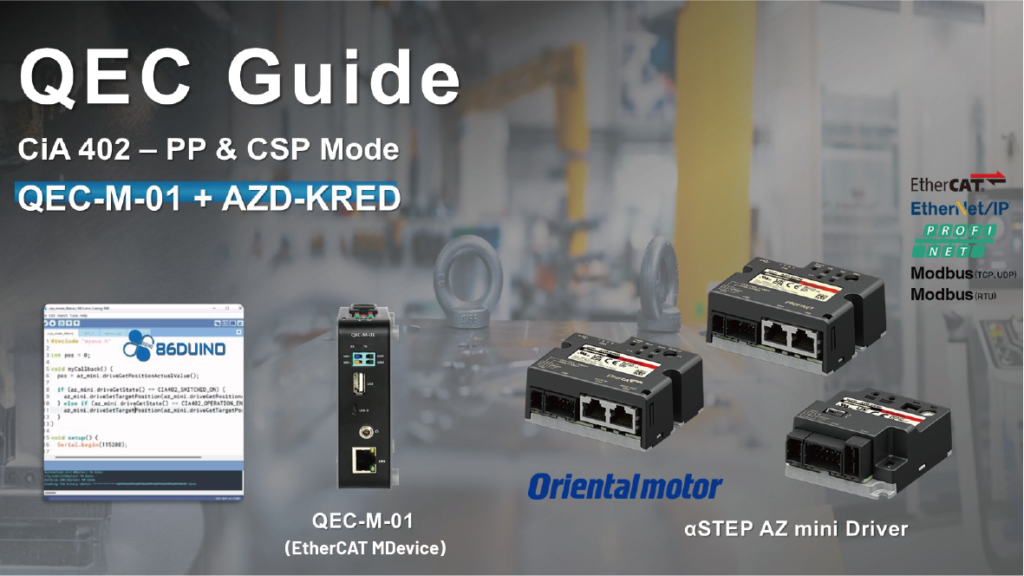
To better support factory automation and intelligent equipment control, our latest guide provides a detailed explanation of how to use the QEC-M-01 to control the AZ Series Mini Driver, including step-by-step setup procedures, detailed programming examples, and troubleshooting tips.
1. Highlights of the New Guide
The QEC-M-01 is a versatile EtherCAT MDevice, and when combined with the OrientalMotor AZ Series Mini Driver, it provides a simple and efficient automation solution.

The AZ Series Mini Driver is equipped with an absolute encoder and supports hybrid servo control technology, eliminating issues like missed steps in traditional stepper motors while maintaining excellent precision and fast response. The AZ Series Mini Driver is not only compact and easy to install but also highly efficient, making it suitable for various precision control applications, such as:
- Automated Production Lines: Used in factories to drive robotic arms or sorting systems, providing precise and fast operation to improve production efficiency.
- Precision Machining Equipment: Ensures stable and precise cutting, drilling, and processing in CNC machining and other precision mechanical operations.
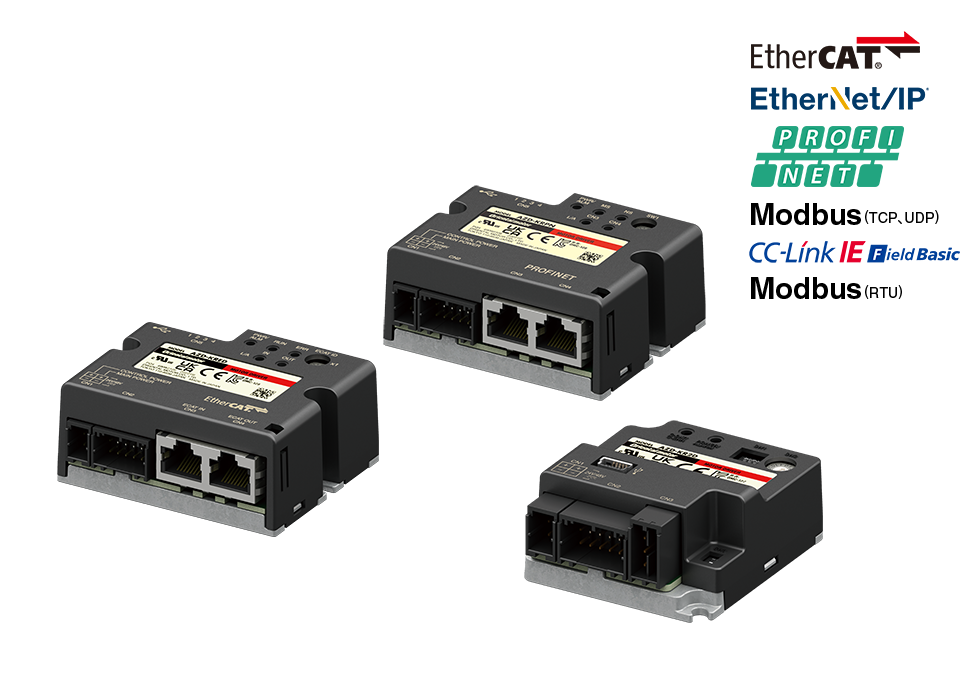
For more product details, please refer to the official OrientalMotor website: αSTEP AZ Series Mini Driver.
1.1 Advantages of the Start Guide
- Step-by-Step Setup Guide:
Whether you’re a beginner or an experienced developer, our guide helps you correctly connect and configure the QEC-M-01 with the AZ Series Mini Driver. - Programming Examples:
The guide includes detailed programming examples for Cyclic Synchronous Position (CSP) mode and Profile Position (PP) mode, helping you achieve everything from precise positioning to flexible control. - Application Scenarios:
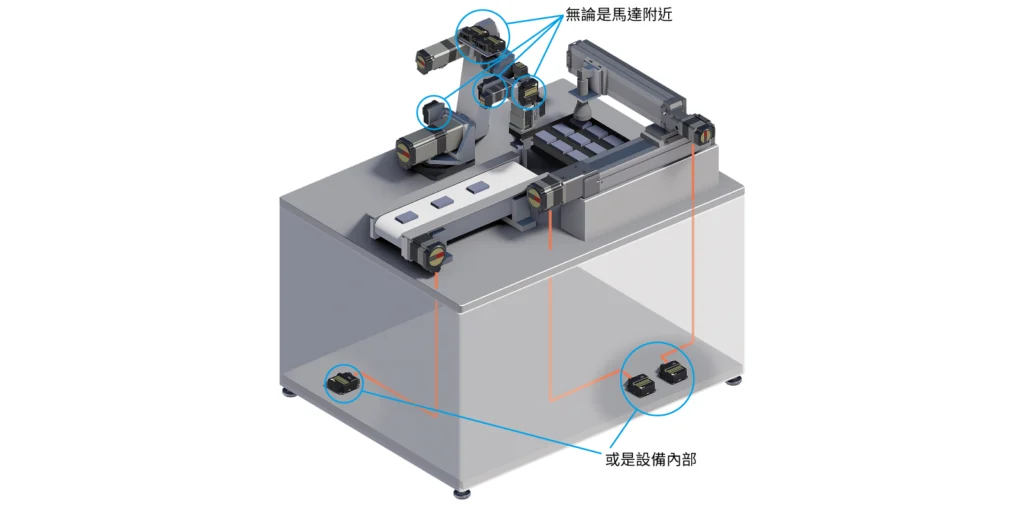
Thanks to its compact design and high precision, the AZ Series Mini Driver is particularly suitable for robotic arm control, packaging and sorting systems, and CNC machining.
2. Start Using QEC-M-01 and AZ Series Mini Driver
Whether you are a novice or a professional developer, our guide provides you with the necessary support to get started smoothly with QEC-M-01 and AZ Series Mini Driver. Here are two example programs demonstrating PP mode and CSP mode.
2.1 Profile Position (PP) mode
The following example configures the AZ-mini driver to operate in CiA 402 Profile Position (PP) mode with the settings below:
- EtherCAT cycle time: 1 ms
- EtherCAT mode: ECAT_SYNC
- Distributed Clocks: disabled (follows the EtherCAT cycle time)
In this code, the EthercatMaster object master represents the QEC-M-01, and the EthercatDevice_CiA402 object az_mini represents the AZ-mini driver.
#include "Ethercat.h"
#define CYCTIME 1000000

EthercatMaster master;
EthercatDevice_CiA402 az_mini;

int pp_state = 0, pos = 0;

void MyCyclicCallback() {
  pos = az_mini.driveGetPositionActualValue();
}

void setup() {
  Serial.begin(115200);

  Serial.print("Begin: "); Serial.println(master.begin());
  Serial.print("Attach: "); Serial.println(az_mini.attach(0, master));
  az_mini.setDc(1000000);
  az_mini.setCiA402Mode(CIA402_PP_MODE);

  master.attachCyclicCallback(MyCyclicCallback);
  Serial.print("Start: "); Serial.println(master.start(1000000, ECAT_SYNC));
  delay(100);

  Serial.print("Enable: "); Serial.println(az_mini.enable());
  az_mini.pp_SetMotionProfileType(0);
  az_mini.pp_SetVelocity(100000);
  az_mini.pp_SetAcceleration(100000);
  az_mini.pp_SetDeceleration(100000);
  delay(1000);
}

void loop() {
  Serial.print("Pos: ");  Serial.println(pos);

  switch (pp_state) {
    case 0:
      if (az_mini.pp_Run(100000) == 0)
        pp_state++;
      break;
    case 1:
      if (az_mini.driveIsTargetReached())
        pp_state++;
      break;
    case 2:
      if (az_mini.pp_Run(-100000) == 0)
        pp_state++;
      break;
    case 3:
      if (az_mini.driveIsTargetReached())
        pp_state = 0;
      break;
  }

  delay(100);
}
2.2 Cyclic Synchronous Position (CSP) mode
The following example configures the AZ-mini driver to operate in CiA 402 Cyclic Synchronous Position (CSP) mode with the settings below:
- EtherCAT cycle time: 1 ms
- EtherCAT mode: ECAT_SYNC
- Distributed Clock: Open. Follow the cycle time.
In this code, the EthercatMaster object master represents the QEC-M-01, and the EthercatDevice_CiA402 object az_mini represents the AZ-mini driver.
#include "Ethercat.h"

EthercatMaster master;
EthercatDevice_CiA402 az_mini;

int32_t position = 0;

void MyCyclicCallback() {
  if (az_mini.getCiA402State() != CIA402_OPERATION_ENABLED)
    return;
  az_mini.setTargetPosition(position += 10);
}

void setup() {
  Serial.begin(115200);

  Serial.print("Begin: "); Serial.println(master.begin());
  Serial.print("Attach: "); Serial.println(az_mini.attach(0, master));
  az_mini.setDc(1000000);
  az_mini.setCiA402Mode(CIA402_CSP_MODE);

  master.attachCyclicCallback(MyCyclicCallback);
  Serial.print("Start: "); Serial.println(master.start(1000000, ECAT_SYNC));
  delay(100);

  az_mini.setTargetPosition(position = az_mini.getPositionActualValue());
  Serial.print("Enable: "); Serial.println(az_mini.enable());
  delay(1000);
}

void loop() {
  Serial.print("Pos: "); Serial.println(position);
}
If you are interested in learning more, click the link below to view the complete guide:
- CSP Mode:
- PP Mode:
We will continue to provide innovative automation control solutions to better meet your application needs. We look forward to working with you towards a smarter and more efficient automation world.
For more information or to request a sample, please email us at info@icop.com.tw, contact your nearest ICOP Branches, or get in touch with our Worldwide Official Distributor.